Calendo
Health
Pricing

Cookie settings

We use necessary technologies for secure operation and login. With your choice we may also use first-party analytics. You may accept all, reject the optional ones or set your choices in detail.

Cookie settings

Features

What is included, in more detail.

The same subscription covers the clinic day, referrals and money, families, and the whole team. This page opens each checklist point in clinic-owner language, with a public product still.

Run the day

One place for the clinic morning: who is coming, what moved, and how a change is marked.

Today board

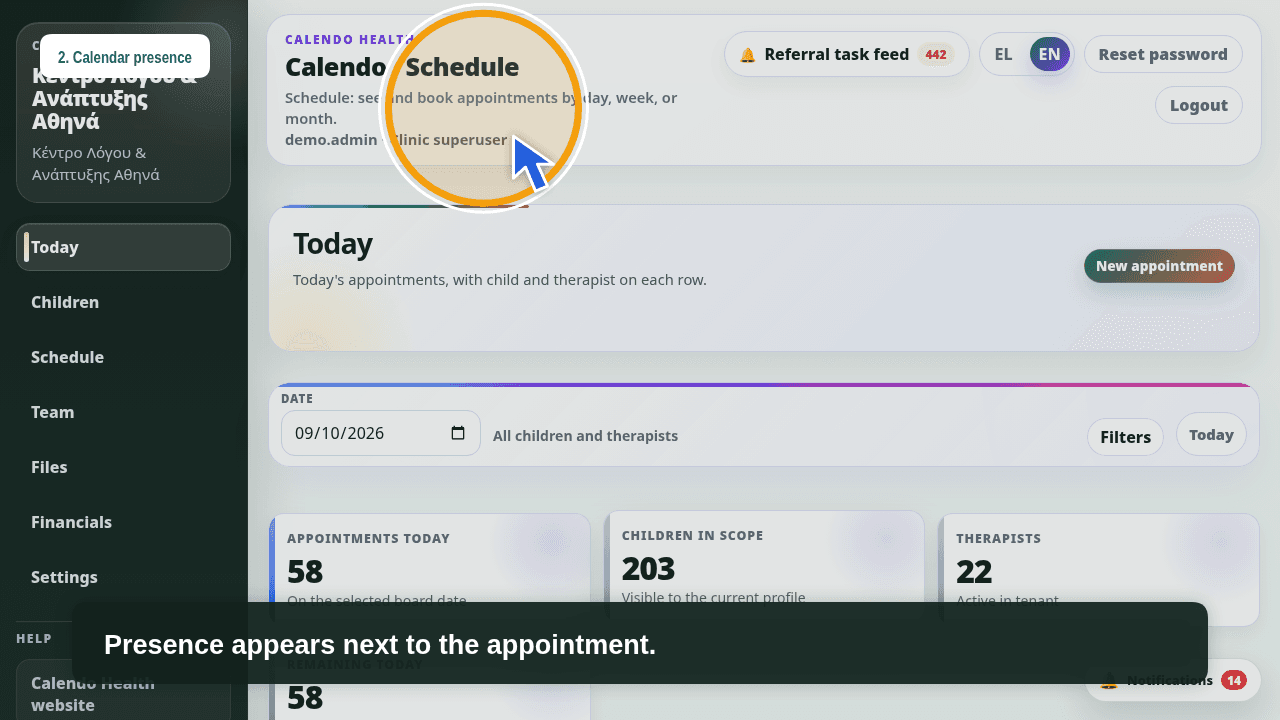
The Today board keeps list, grid, and attendance on the same day. Reception sees the queue; therapists see who arrived. The first hours do not need a second tool.

  • List for the day’s queue
  • Grid for the shape of the schedule
  • Attendance next to the appointments
Calendo Health Today board and attendance

Appointments

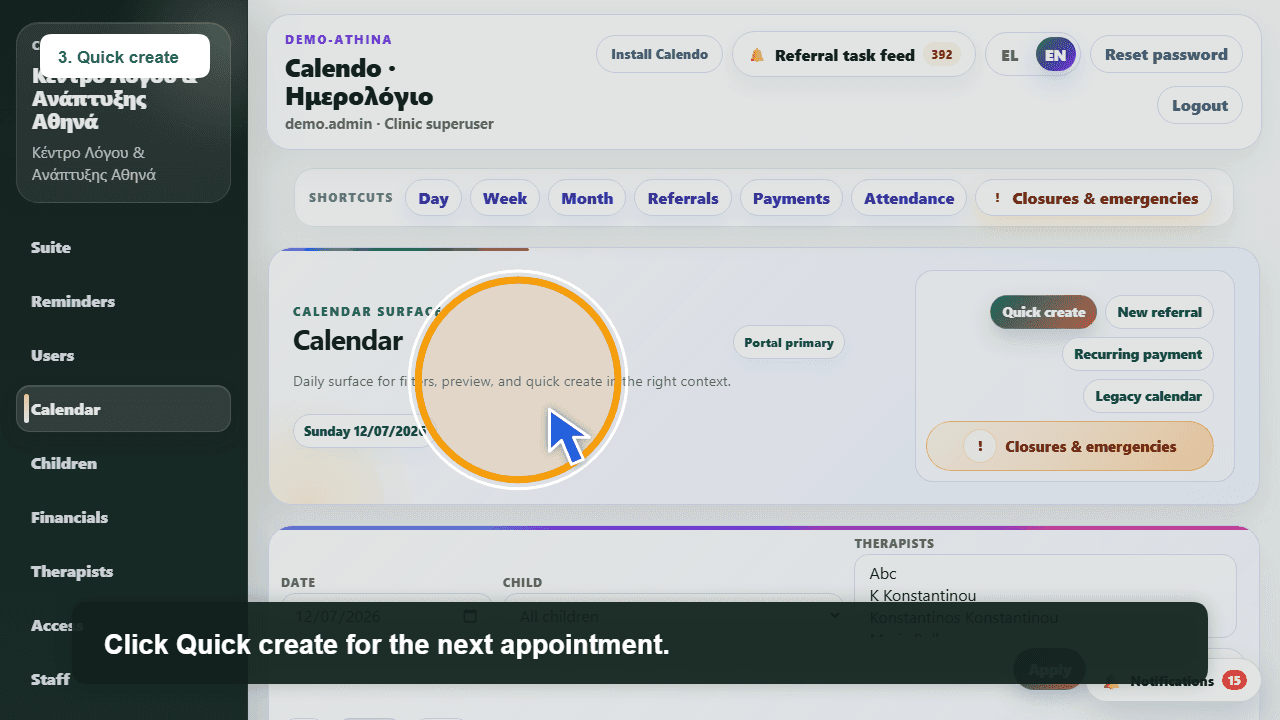
Create, move, cancel, and add session notes on the same appointment. Reception can shift the day without losing context; the therapist writes the note where the session happened.

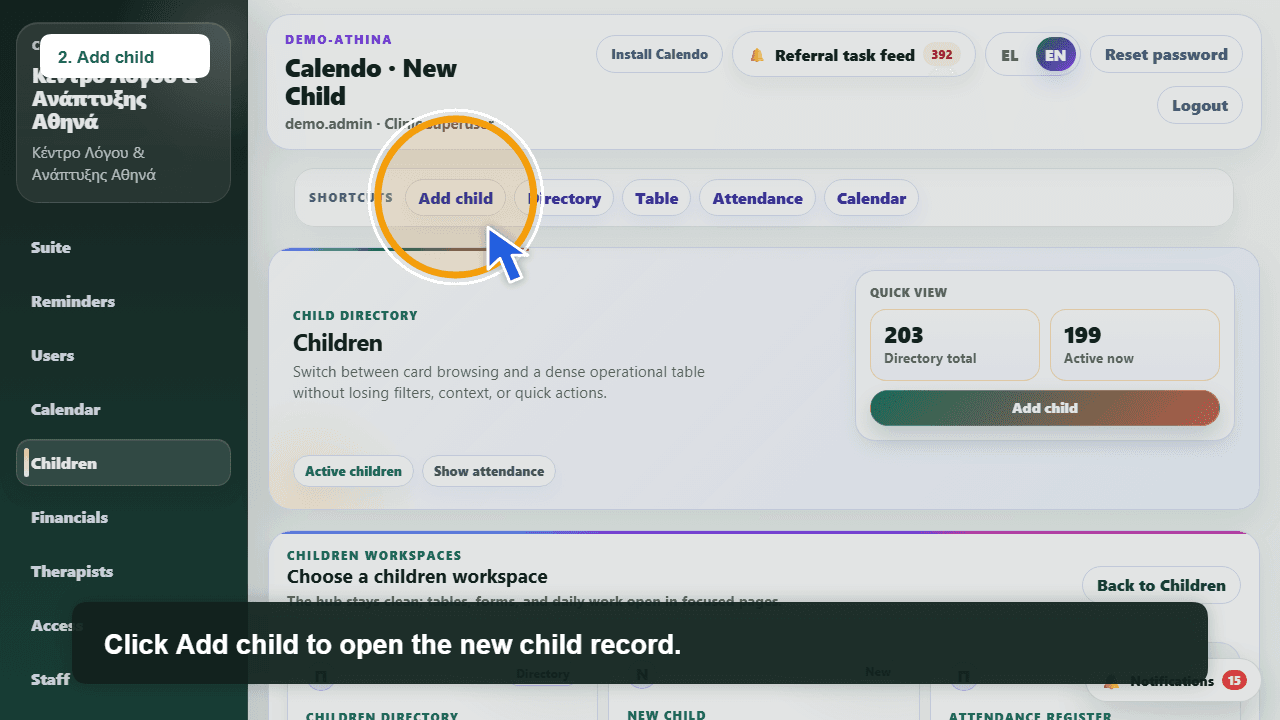
  • Create an appointment from the calendar
  • Move or cancel without a separate note pile
  • Session notes stay with the appointment
Calendo Health reception calendar for creating and moving appointments

Parent cancel vs absence

Not every cancel should bill the same way. Mark a parent-requested cancel separately from an absence, so charging follows what happened instead of a chat message.

  • Parent-requested cancel
  • Absence with billing awareness
  • The same logic for reception and money
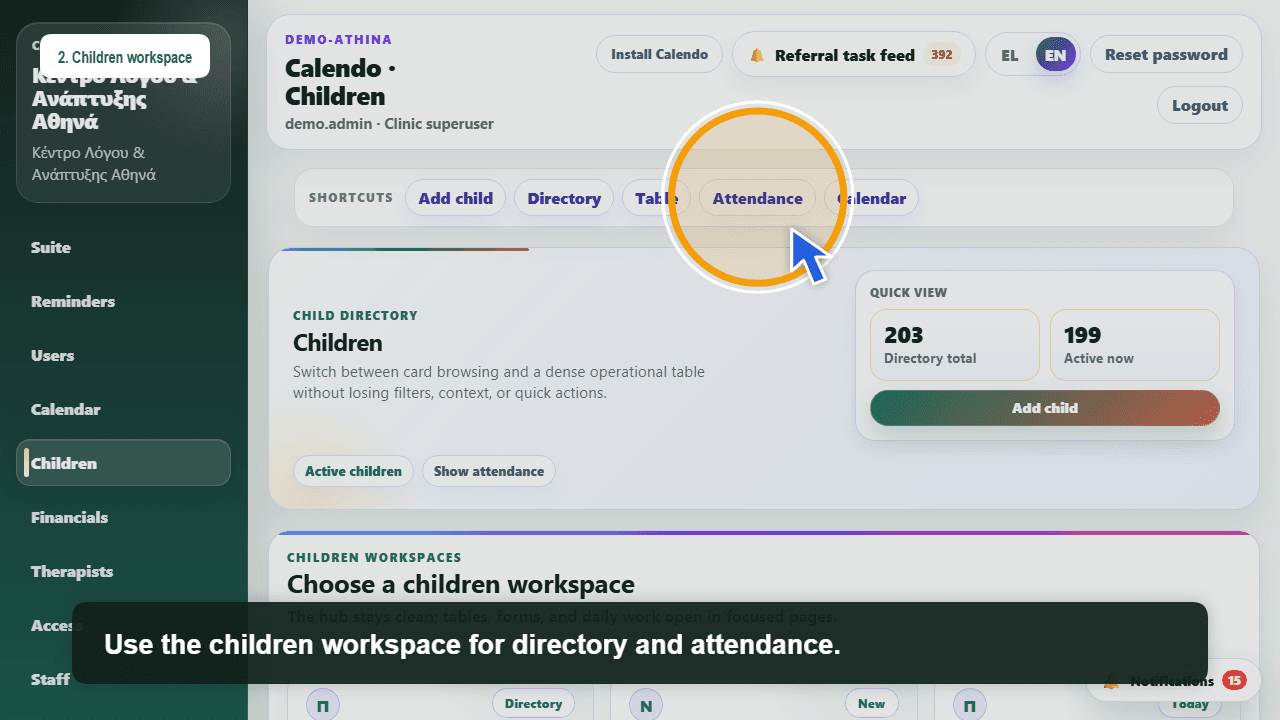
Calendo Health attendance for absences and cancellations

Referrals and money kept tidy

Referrals, charges, and reminders sit beside the clinic day, not in a separate notebook.

Referrals with renewal

The referral lives on the child, with a renewal reminder before it lapses. The clinic sees what is active and what needs a conversation, without hunting across calendar and file.

  • Referrals on the child file
  • Renewal reminders before expiry
  • A clear view of what is still active
Child referral journey in Calendo Health

Charges, payments, and reminders

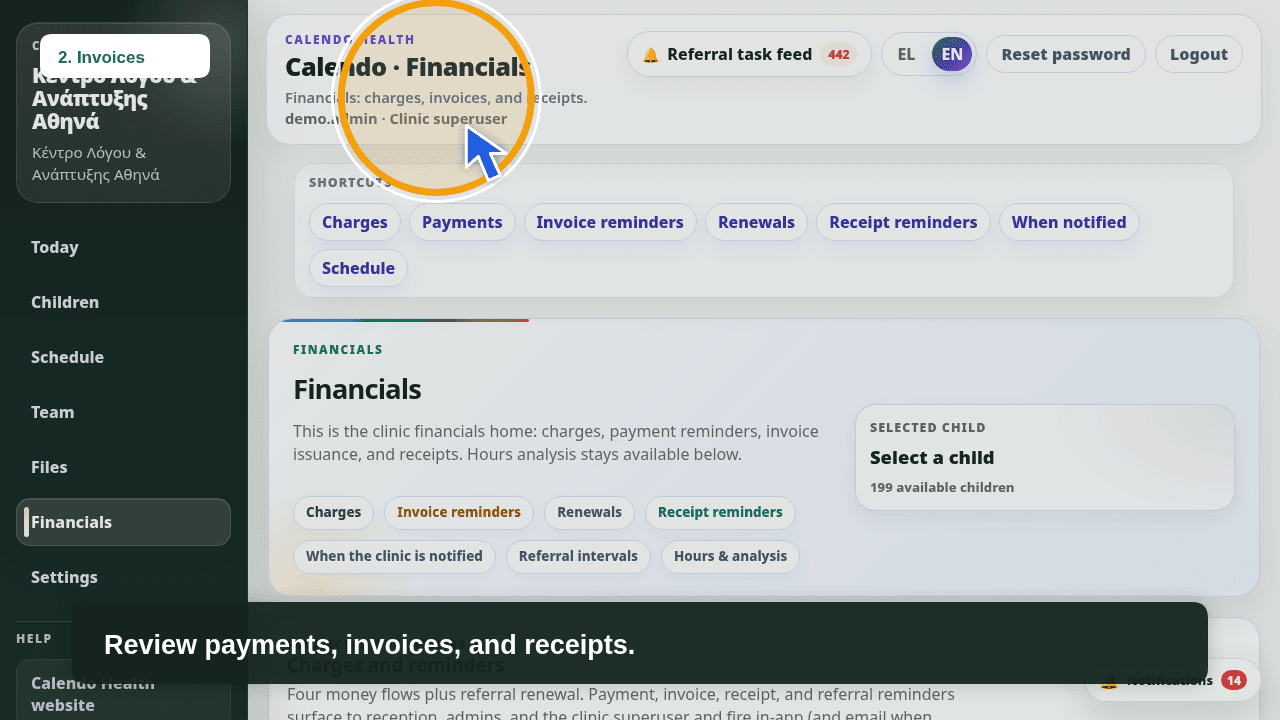
A charge is not an invoice, and an invoice is not a receipt. Reminders keep the follow-up visible so money work does not mix with the clinical note.

  • Charges and payments in billing
  • Invoice reminders
  • Receipt reminders
Calendo Health billing with charges, invoices, and receipts

Hours, sessions, and windows

Count hours or sessions in a period, including windows linked to a referral. Useful when the clinic must answer how many sessions landed in that stretch without tallying cards by hand.

  • Hours or sessions in a period
  • Windows linked to a referral
  • The same period for the team and the child file
Clinic referral feed in Calendo Health

Families kept in the loop

Families get schedule and changes from the clinic’s own channels, not from a reception chat thread.

SMS, email, and in-app alerts

The same clinic event can go out as SMS, email, or an in-app alert. The family stays on one story; reception does not rewrite the message in three places. The subscription covers up to 100 SMS per month; extra SMS only by written agreement.

  • SMS for reminders that need to arrive
  • Email for updates that should stay written
  • In-app alerts when the family is in the app
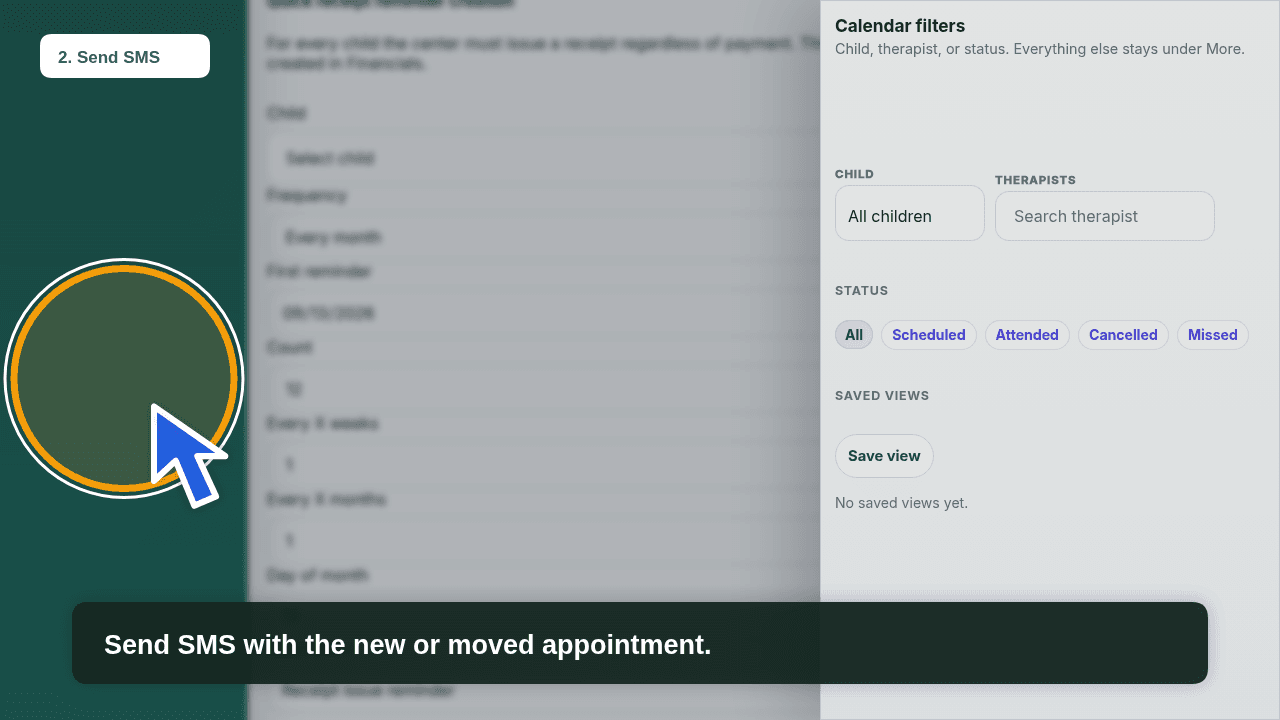
Calendo Health calendar and SMS reminder settings

Soon-to-start session alert

Shortly before the session, a mobile alert gives a brief heads-up. The therapist and the family see that the time has come, without waiting for a front-desk call.

  • Soon-to-start alert on mobile
  • The same signal for the people on shift
  • Fewer late arrivals from “I did not see it”
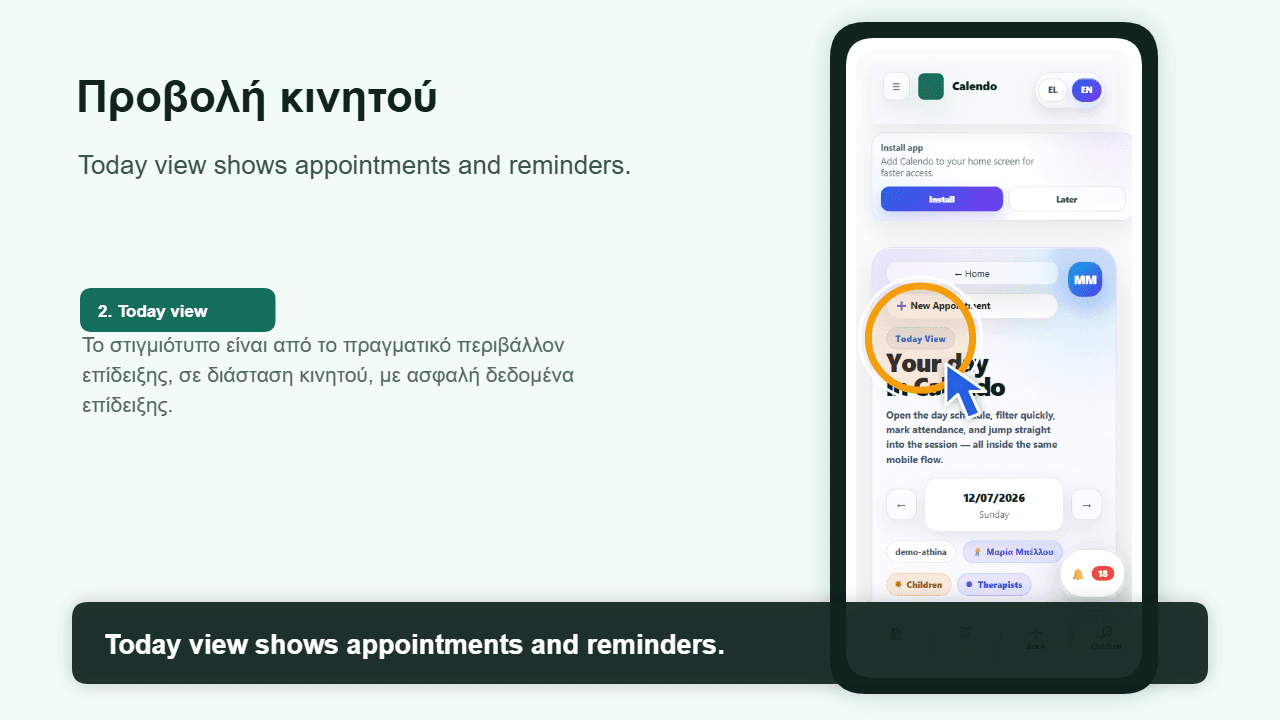
Therapist mobile day in Calendo Health

Parent app

The parent app shows schedule and updates. It does not open the clinic back office. Parents see what is theirs; the clinic keeps roles and files.

  • The child’s schedule
  • Updates and appointment changes
  • Parent access, not clinic admin
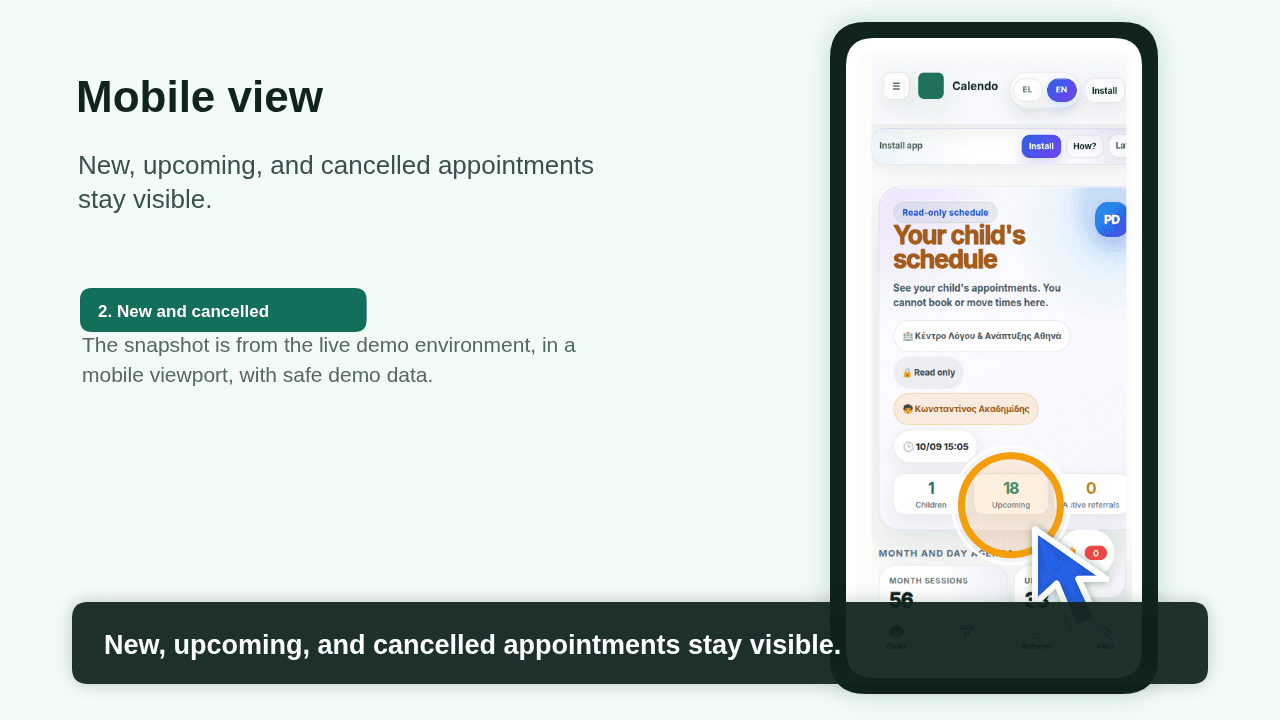
Calendo Health parent app for schedule and updates

Whole clinic, one subscription

One subscription for reception, therapists, admins, and parents — on the web and in the apps, in Greek and English.

Roles and access

Reception, therapists, admins, and parents do not see the same things. Roles keep the calendar, money, and files with the right people, without a second subscription per person.

  • Reception for the schedule and changes
  • Therapists for the day and notes
  • Admins for the team and settings
  • Parents for schedule and updates
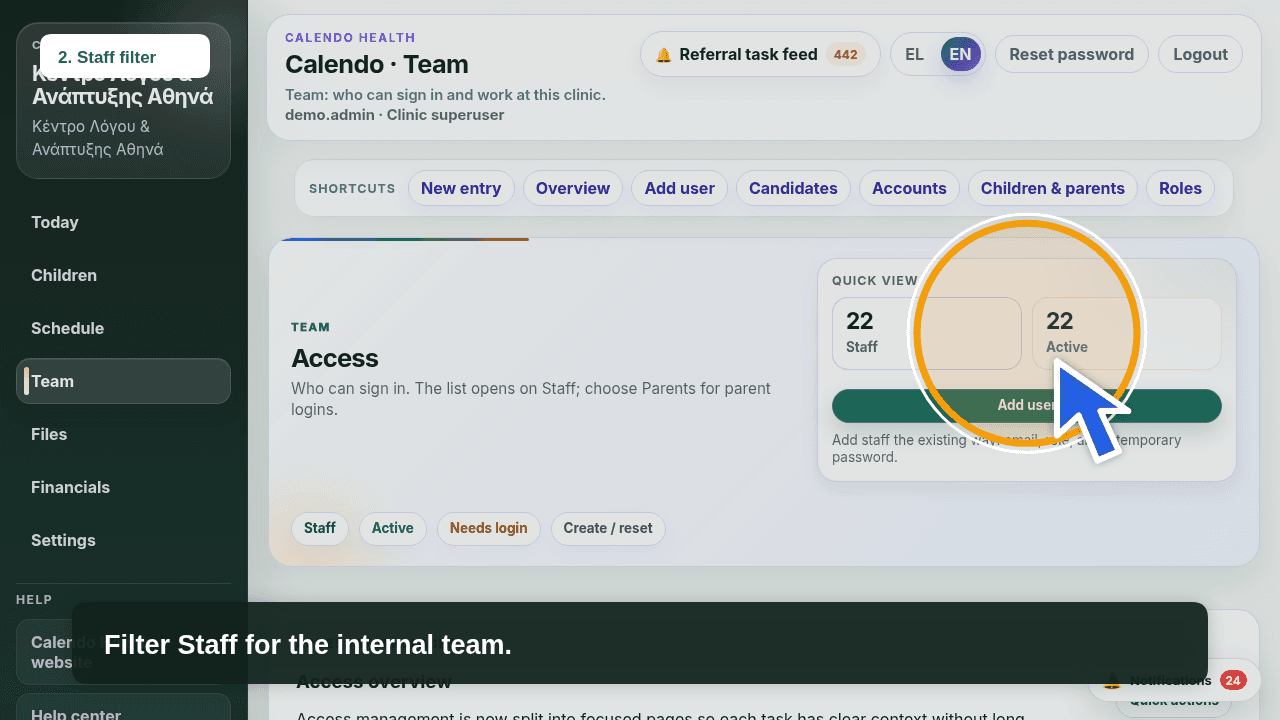
Calendo Health access list by role

Child file storage

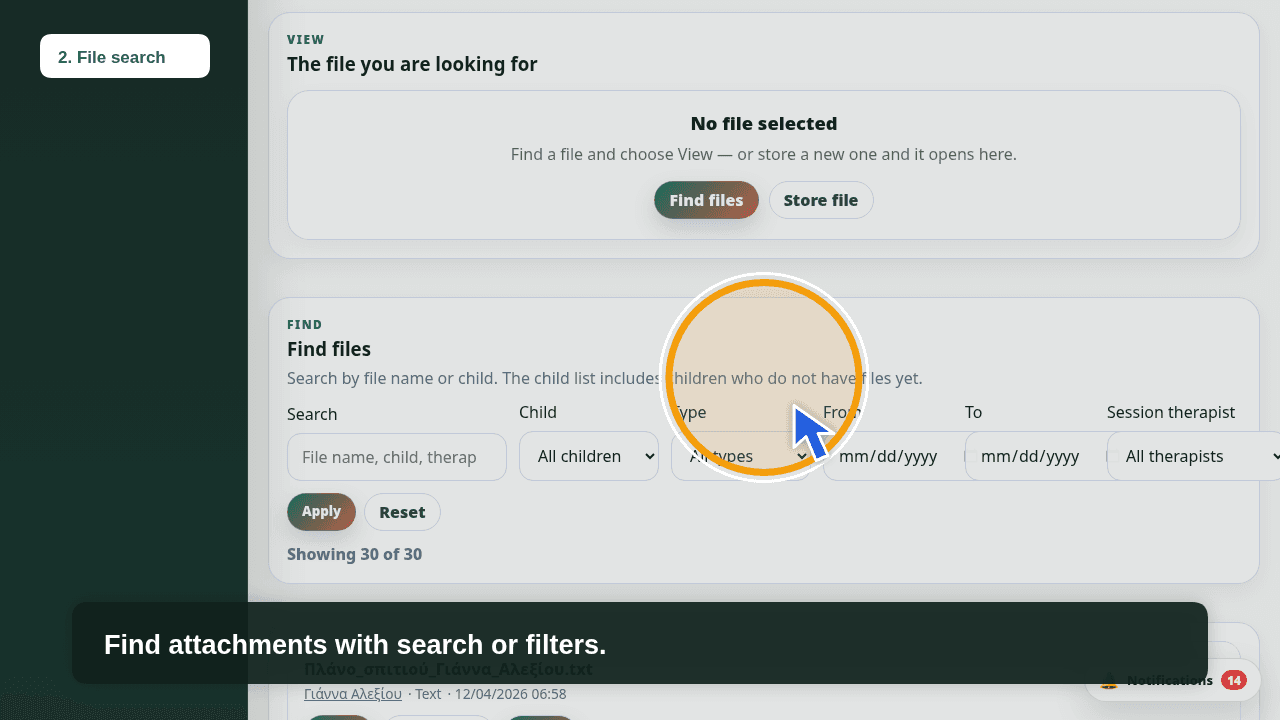
Files sit on the child, next to the schedule and referrals. The team finds the attachment without opening a shared folder outside the app.

  • Files on the child record
  • Attachments close to the clinic path
  • Access follows the role
Child file attachments in Calendo Health

Web portal and apps

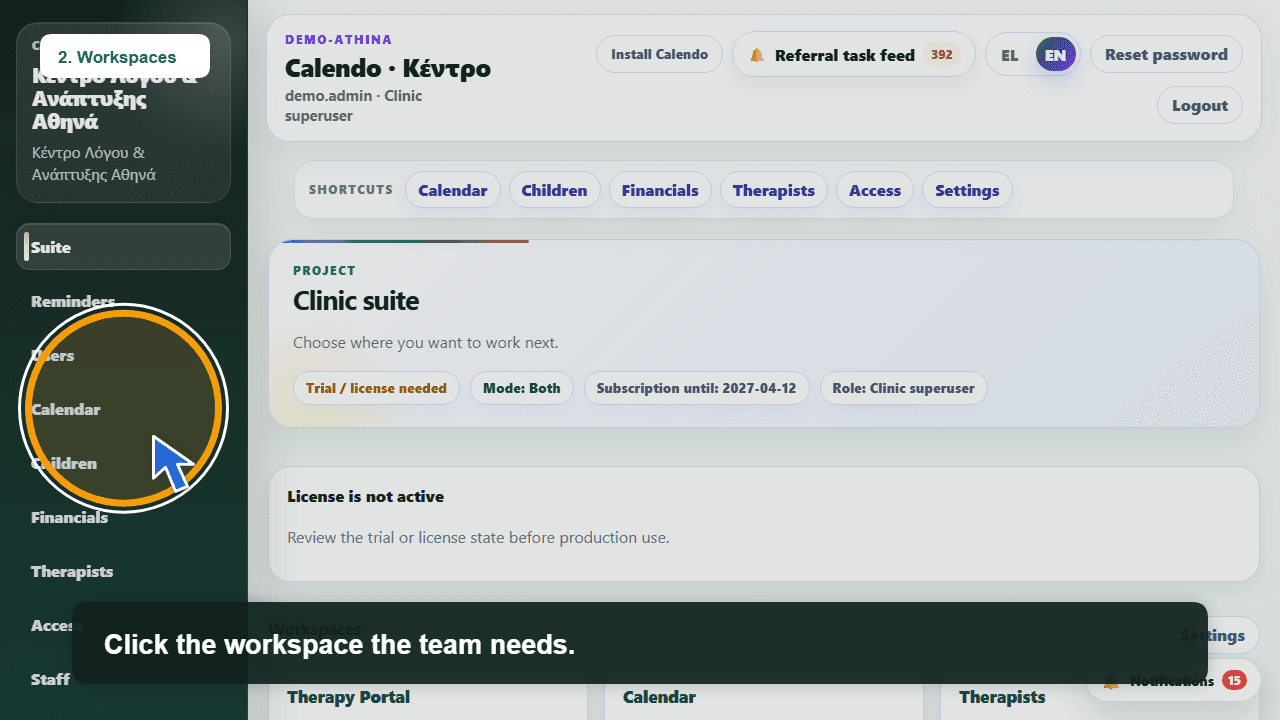
The clinic works from the web portal and from the clinic and parent apps. The interface is in Greek and English, so the team and families stay in the language they use.

  • Web portal for daily work
  • Clinic and parent apps
  • Greek and English
Calendo Health first-use web portal in Greek and English

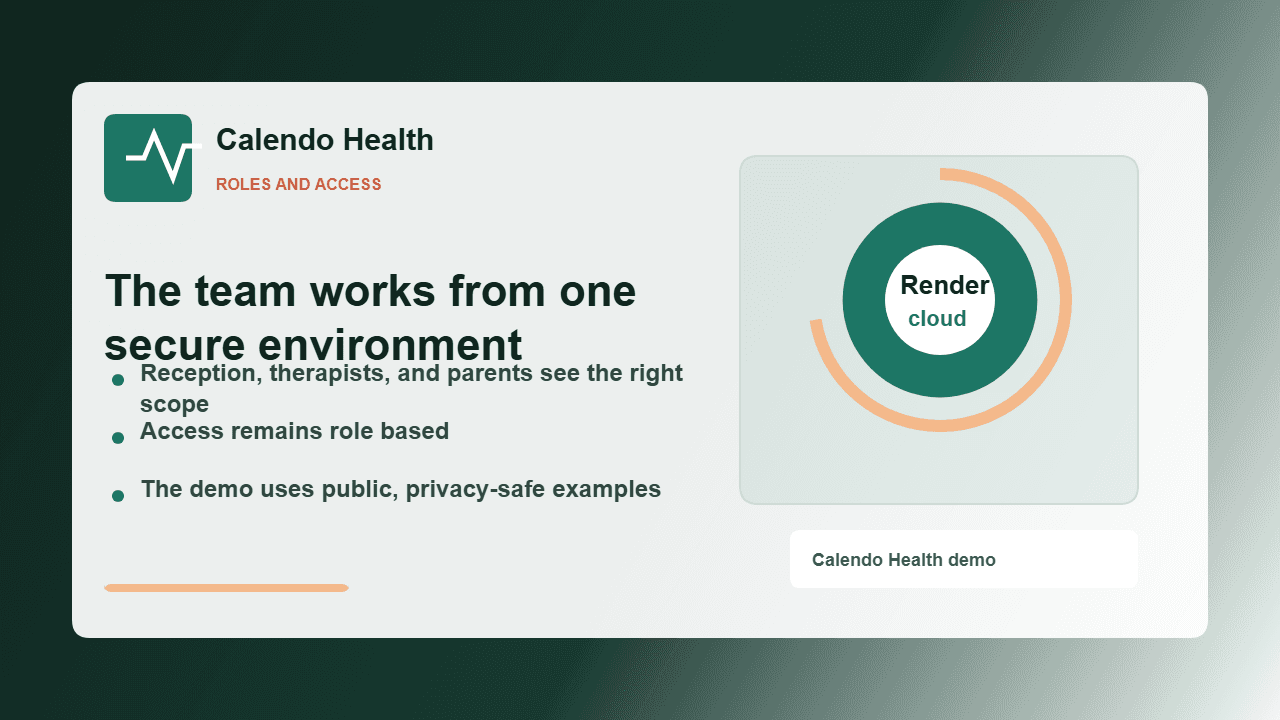
Cloud, no in-house clinic server

Calendo Health runs in the cloud: access anywhere, no in-house clinic server, always on the latest version. It does not claim an uptime percentage or infinite scale. It means you do not need your own server to open the day.

  • Access anywhere
  • No in-house clinic server
  • Always on the latest version
Calendo Health in the cloud, with no in-house clinic server

2026 introductory offer

€80 / month excl. VAT for the whole clinic.

The same subscription, with no therapist or child limit. €80 / month excl. VAT · €99,20 incl. 24% VAT. Pay annually: 12 months + 2 free — €960 excl. VAT · €1.190,40 incl. VAT.

Public stills, no patient records

Stills on this page are public marketing visuals. They do not contain real child files or a live clinic account.